GTA 6 Display Settings Explained — Our Recommendations for Motion Blur, Brightness Reduction, and More
While we'll have to wait a little while longer for a PC version of GTA 6 that you can tweak to your heart's content, there are still some visual dials you can tune to get Vice City looking just a little bit better. — IGN
Coverage report 5 pieces · 5 outlets · 1 top-10K sites Open → · share to X · Bluesky ·Coverage (5 written)
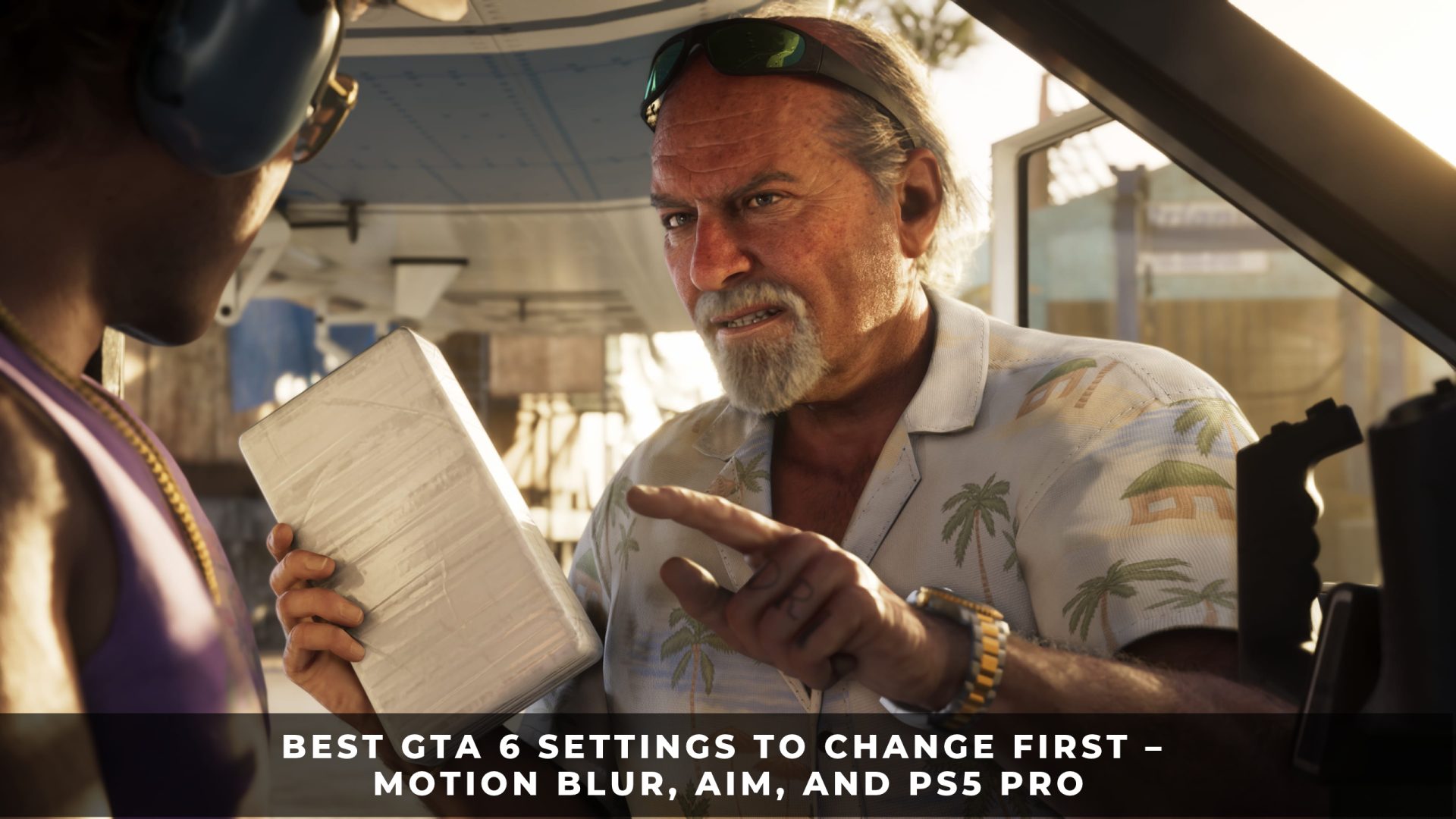
- KeenGamer first Best GTA 6 Settings to Change First – Motion Blur, Aim, and PS5 Pro Rafly Wibowo · 1d ago
- TechRadar What's the best way to play GTA 6 — with motion blur on or off? Darren Allan · 1d ago
- Engadget How to adjust and turn off motion blur in GTA 6 if it makes you feel sick staff@engadget.com (Robin Bea) · 1d ago
- 7MMO - MMORPG Games Best GTA VI Settings You Need To Change Xpeed · 7h ago
- IGN GTA 6 Display Settings Explained — Our Recommendations for Motion Blur, Brightness Reduction, and More Jacqueline Thomas · 1h ago also on IGN India, IGN Southeast Asia, IGN Nordic
Comments
Join Ludosauce to join the conversation.
No comments yet. Start it off.